CRM Implementation Challenges for Small Businesses (and How to Avoid Them)

After 15+ years of CRM implementations across organizations of all sizes, one lesson stands out: software is rarely the reason projects fail. The real CRM implementation challenges for small businesses usually appear long before launch, hidden in overlooked requirements, unclear ownership, and rushed decisions.
In this article:

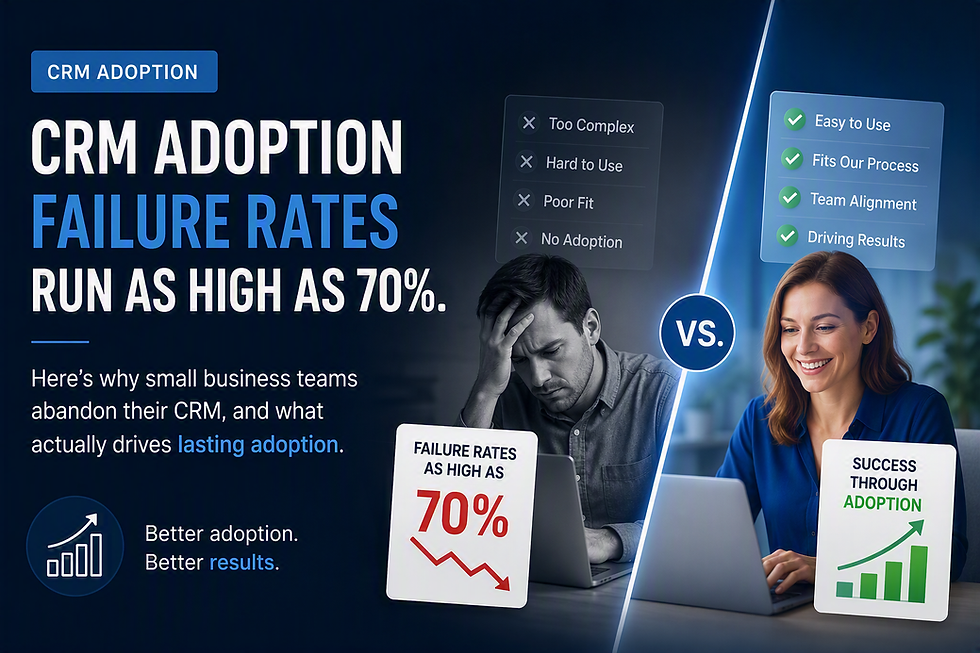
The industry numbers back this up. Depending on which study you read, CRM implementation failure rates run between 30% and 70%. Vendors don't advertise that statistic, but implementers see it play out constantly, and it's rarely a technology problem. It's an adoption problem dressed up as a software problem.
Why Small Businesses Hit CRM Implementation Challenges More Than Enterprises
Enterprise CRM projects fail for their own reasons: bureaucracy, competing stakeholders, six-month procurement cycles. Small businesses fail for different reasons entirely, and they're more preventable.
An SMB usually doesn't have a dedicated IT department, a change management team, or a budget line for a six-month consulting engagement. One person, often the owner or the sales manager, is expected to pick the system, configure it, train the team, and keep running the business at the same time. That person is set up to fail before the contract is signed, not because they lack judgment, but because nobody built the project around their actual constraints.
The other pattern we see repeatedly: small businesses buy CRM platforms sized for companies five times their headcount. The result is a system with more configuration options than the business has time to configure, more modules than it needs, and a price tag that assumes a dedicated administrator will exist to manage it. Nobody does that job, so half the platform sits unused within a year.
The Mistakes That Derail Rollouts Before Day One
A few patterns show up in nearly every failed implementation we've untangled over the years.
Buying before mapping the process. Teams pick a CRM based on a demo, then try to force their sales process into whatever the software assumes. It should go the other way. If your process doesn't match the tool's default structure, you'll spend the first three months fighting the software instead of using it.
Treating training as a one-time event. A single onboarding session on launch day does not create a habit. Salespeople revert to spreadsheets and inboxes within two weeks if nobody reinforces the new workflow. Adoption is a management discipline, not a training checkbox.
No one owns the data going in. Migrating a messy contact list and a pile of duplicate deals into a new system just moves the mess somewhere new. We've watched teams blame the CRM for bad reporting when the real issue was that nobody cleaned the data before go-live.
Underestimating the cost of complexity. Enterprise-grade platforms often carry enterprise-grade price tags and enterprise-grade implementation timelines to match. Microsoft Dynamics 365 Sales Professional runs €54 per user per month, and the Enterprise tier runs €90. For a ten-person team, that's a serious monthly commitment before a single customization is added, and complexity that a lean team rarely has the bandwidth to manage.
Choosing a platform that requires new infrastructure. If the CRM doesn't work with the tools your team already uses every day, email, calendar, file storage, you've just added a second system for people to check, which means they'll check neither one consistently.
What a Realistic Small Business Implementation Looks Like
The implementations that stick share a few traits, and none of them are exotic.
They start with the sales process already mapped on paper, so configuration is fast instead of exploratory. They deploy on infrastructure the business already has, rather than requiring new servers, new logins, or a new vendor relationship.
This is where a lot of small businesses waste time without realizing it: if your team is already on Microsoft 365, a CRM built on Power Platform doesn't require new infrastructure. It connects to what you already have, which is why a properly scoped deployment can happen in days, not months, instead of the quarter-long rollout enterprise systems typically demand.
They also build in native email, calendar, and document handling from day one. When a CRM works inside Outlook and Teams instead of alongside them, and connects to SharePoint without a third-party plugin, the tool becomes part of the workday instead of an extra stop in it. Automation matters here too. Something as specific as automatically generating repeat deals for recurring contracts or subscription renewals sounds minor, but it's the kind of feature that quietly saves a sales team hours a month, and hours saved every month is what actually drives adoption, far more than a long feature list does.
Finally, the successful rollouts price the tool for what the business actually needs today, not for the version of the company it might become in five years. Paying enterprise rates for enterprise capacity you won't use for years is its own kind of implementation failure. It just shows up on the invoice instead of in the adoption numbers.
The Bottom Line
CRM implementation challenges are predictable, and predictable problems are avoidable ones. The businesses that succeed map their process before they buy, treat adoption as an ongoing responsibility rather than a launch-day event, clean their data before migration, and choose a platform that fits their team's size, budget, and existing tools instead of one built for a company ten times larger.
None of this requires a six-month project plan or a dedicated CRM administrator.
It requires picking a system that was built to be deployed by a small team, at a small team's pace, without asking that team to become software implementers in the process.
That's the thinking behind Quantum CRM Starter: built on Microsoft Power Platform, priced at €8.7 per user per month, Copilot-ready, and connected natively to Outlook, Teams, and SharePoint from the first day it's turned on.
If you want to see how it handles your actual sales process instead of a generic demo script, visit https://www.quantumcrm.app. It's available now on Microsoft AppSource, free to test, no credit card required.


Comments